///
So It starts with, “I could do that”.
////
I created this blog for the freedom of expression and a record of my work.
The journey of this ideas started in 2022, when I first jumped out of the plane, It was life at It’s highest.
But I noticed that all of the gear for this sport was expensive, without the justification.
I wanted to say, the companies were greedy but let’s not draw conclusions.
/////
Components
Seeeduino Xaio SAMD21
Used because of It’s size and power.
The size is 2.1cm x 1.7cm.

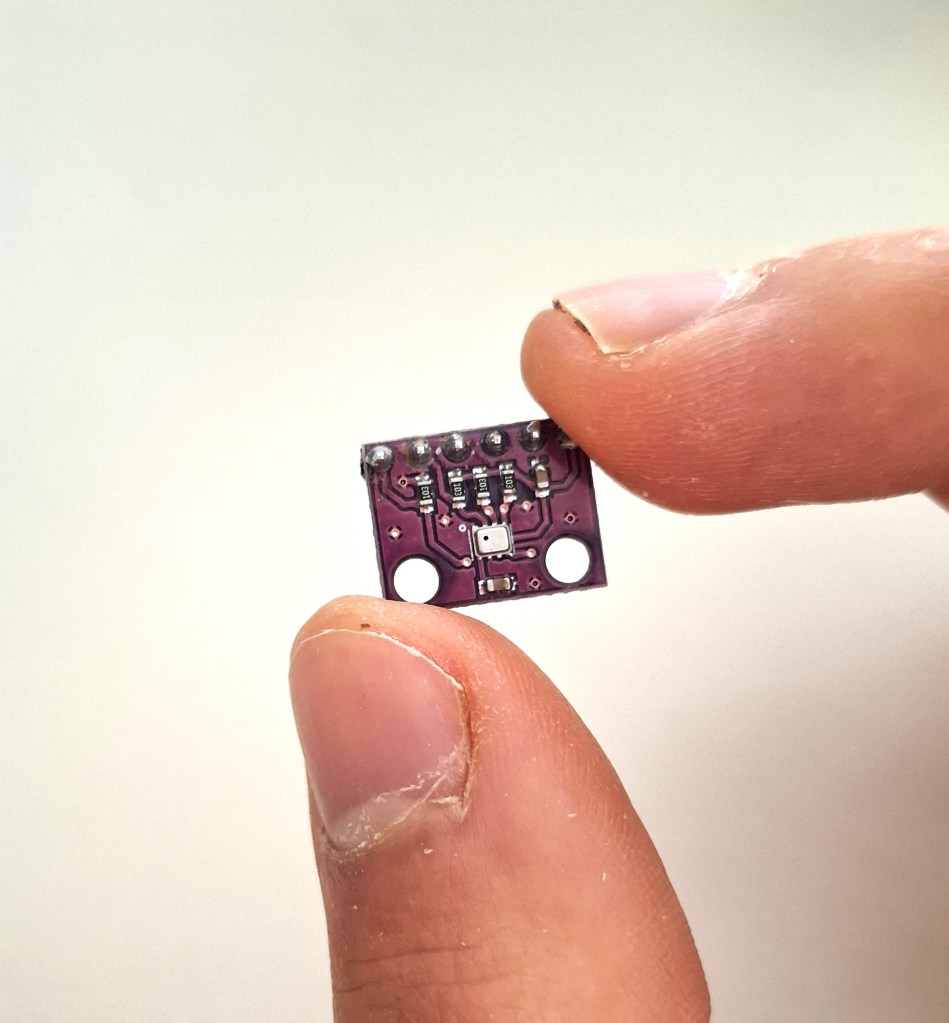
BMP280
Developed by Bosh, BMP280 is a barometric pressure sensors along with temperature sensing.
In this project I used 2 of them for measuring pressure that can be converted to height meters using hypsometric formula.
They use I2C and SPI
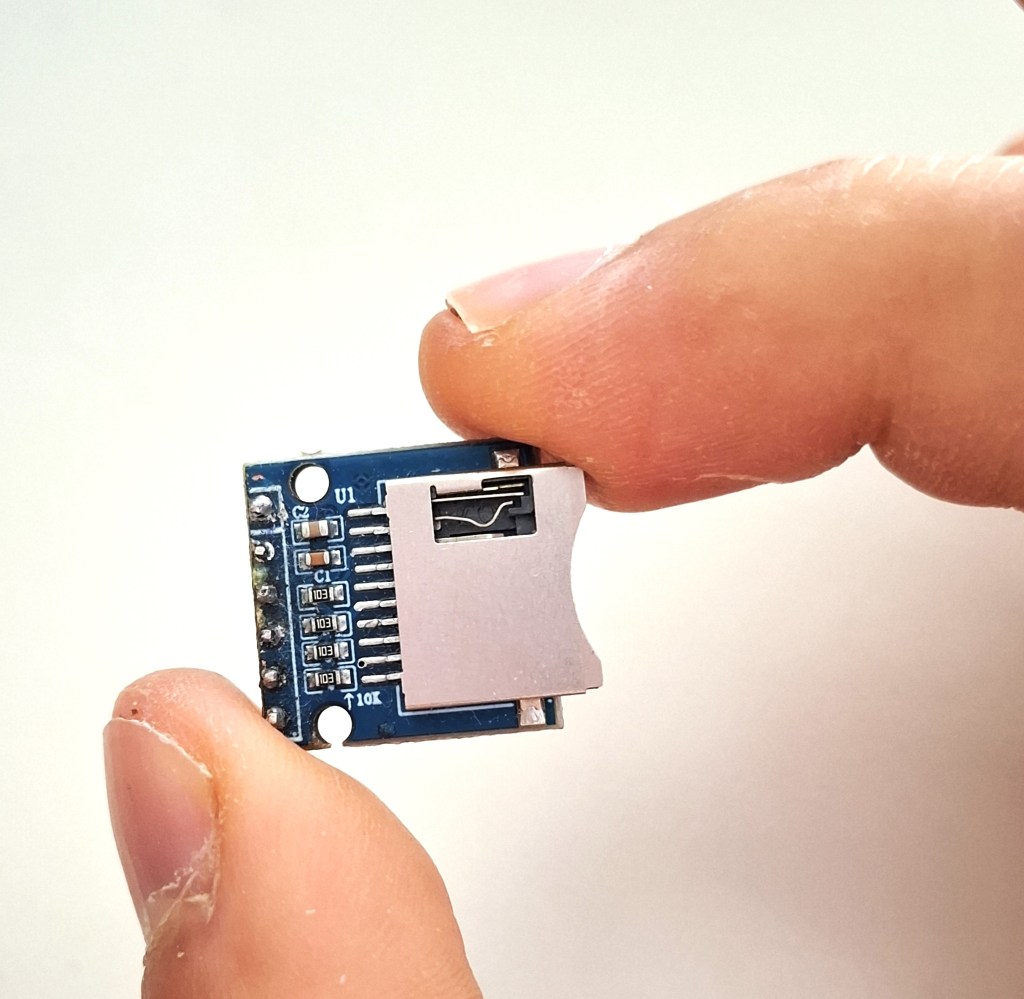
SD module
Using SPI, It can read, write, append, edit and create files.
In this case it was used to record all data from the sensors and store them on the SD card, later they will be extracted and plotted on the graph.
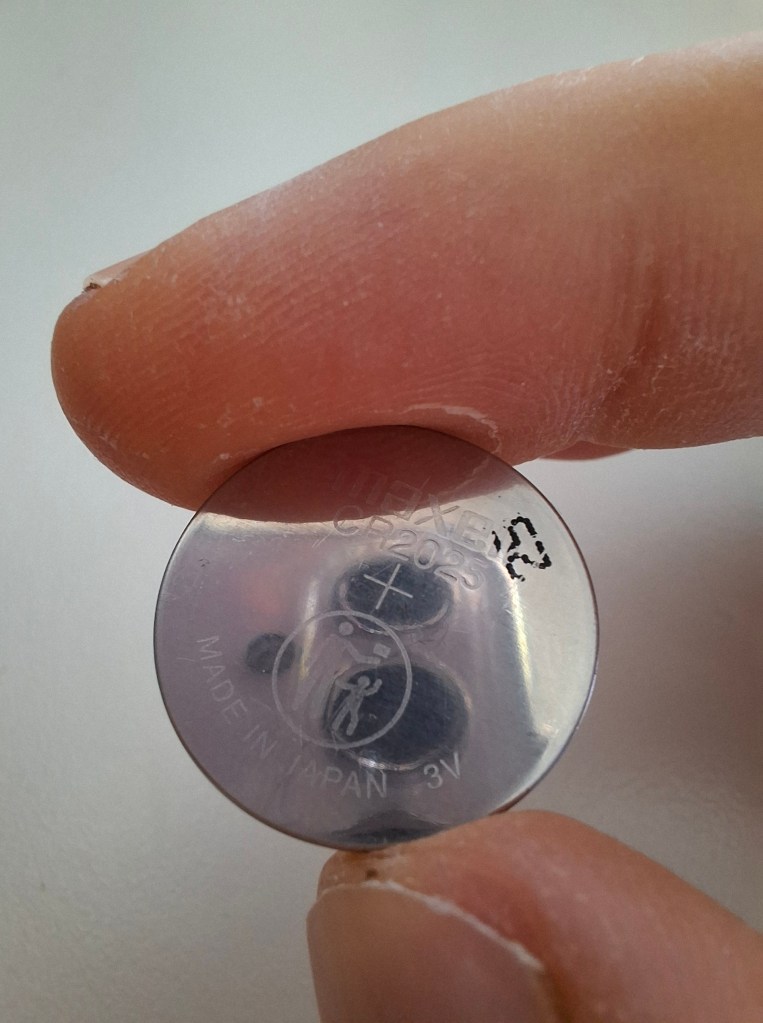
Battery
In the beginning, 2 CR2025 coin batteries were used in serial for power, but the problem arose, where the voltage dropped after a period of 22 sec, because the current was too great (12.6 mA).
I tried to use the .deepsleep() function to conserve energy, yet the power reduced for only .6 mA.
I also acknowledge that batteries in serial could be the source of the problem, I did it this way for compactness.
Therefore in the future, 3.7v rechargeable battery will be used.
Components list
| Gear | No. |
|---|---|
| Seeeduino Xiao SAMD21 | 1 |
| BMP280 | 2 |
| Mini SD Module | 1 |
| Battery | 1 |
//////
CODE
This C++ code manages two temperature and pressure sensors and saves the data to an SD card.
Here’s a simple breakdown:
- Start Communication: Setup a way to send messages for checking if everything is working.
- Check Sensors: It makes sure both sensors are connected and working.
- Set Up Sensors: Adjusts settings on the sensors for accurate readings.
- Prepare SD Card: Sets up an SD card to save the data.
- Create a File Name: Makes a unique name for the data file to avoid overwriting old data.
- Log Data: Measures and records temperature and pressure data on the SD card periodically.
- Save Energy: Puts the system to sleep between loop recordings to save battery.
<- Code right here
#include <SPI.h>
#include <Adafruit_Sensor.h>
#include <Adafruit_BMP280.h>
#include <SD.h>
#include <Wire.h>
#include <ArduinoLowPower.h>

#define BMP_CS1 D3  // CS pin for BMP280 #1
#define BMP_CS2 D4  // CS pin for BMP280 #2
#define SD_CS   D5  // CS pin for SD card module

Adafruit_BMP280 bmp1(BMP_CS1); // BMP280 instance #1 using CS pin
Adafruit_BMP280 bmp2(BMP_CS2); // BMP280 instance #2 using CS pin

unsigned long startTime;
char filename[13]; // Global filename variable

void setup() {
    Serial.begin(115200);

    while (!Serial);

    if (!bmp1.begin()) {
        Serial.println("Could not find a valid BMP280 sensor, check wiring for sensor 1!");
        while (1); // Halt execution
    }

    if (!bmp2.begin()) {
        Serial.println("Could not find a valid BMP280 sensor, check wiring for sensor 2!");
        while (1); // Halt execution
    }

    bmp1.setSampling(Adafruit_BMP280::MODE_NORMAL,
                     Adafruit_BMP280::SAMPLING_X2,
                     Adafruit_BMP280::SAMPLING_X16,
                     Adafruit_BMP280::FILTER_X16,
                     Adafruit_BMP280::STANDBY_MS_500);

    bmp2.setSampling(Adafruit_BMP280::MODE_NORMAL,
                     Adafruit_BMP280::SAMPLING_X2,
                     Adafruit_BMP280::SAMPLING_X16,
                     Adafruit_BMP280::FILTER_X16,
                     Adafruit_BMP280::STANDBY_MS_500);

    if (!SD.begin(SD_CS)) {
        Serial.println("SD card initialization failed!");
        return; // Exit setup
    }

    randomSeed(analogRead(A0));
    generateFilename(filename, 8);  // Generate a unique filename

    File dataFile = SD.open(filename, FILE_WRITE);
    if (!dataFile) {
        Serial.println("Error creating data file.");
        return; // Exit setup
    }
    dataFile.close();

    Serial.println("Entering Loop");

    startTime = millis();
}

void loop() {
    float temp1 = safeReadTemperature(bmp1);
    float temp2 = safeReadTemperature(bmp2);
    float avgTemp = (temp1 + temp2) / 2;

    float press1 = safeReadPressure(bmp1);
    float press2 = safeReadPressure(bmp2);
    float avgPress = (press1 + press2) / 2;

    unsigned long currentTime = millis();
    unsigned long timeElapsed = currentTime - startTime;

    File dataFile;
    if (openDataFile(dataFile, filename)) {
        dataFile.print(avgPress / 100.0);
        dataFile.print(" ; ");
        dataFile.print(avgTemp);
        dataFile.print(" ; ");
        dataFile.print(timeElapsed / 1000);
        dataFile.println(" ;");
        dataFile.close();
    } else {
        Serial.println("Unable to open data file after multiple attempts.");
    }

    LowPower.deepSleep(100); // Sleep and replace delay(100)
    //delay(100); // Delay between reads to manage the data capture rate
}

void generateFilename(char *filename, int length) {
    const char *alphabet = "ABCDEFGHIJKLMNOPQRSTUVWXYZabcdefghijklmnopqrstuvwxyz0123456789";
    for (int i = 0; i < length; ++i) {
        filename[i] = alphabet[random(62)];
    }
    strcpy(&filename[length], ".txt");
}

float safeReadTemperature(Adafruit_BMP280 &sensor) {
    float temperature = sensor.readTemperature();
    if (isnan(temperature)) {
        Serial.println("Failed to read temperature!");
        return 0; // Return a default or error value
    }
    return temperature;
}

float safeReadPressure(Adafruit_BMP280 &sensor) {
    float pressure = sensor.readPressure();
    if (isnan(pressure)) {
        Serial.println("Failed to read pressure!");
        return 0; // Return a default or error value
    }
    return pressure;
}

bool openDataFile(File &file, const char* filename) {
    int retryLimit = 20;
    while (retryLimit--) {
        file = SD.open(filename, FILE_WRITE);
        if (file) {
            return true;  // Successfully opened the file
        }
        else {
            Serial.println("Failed to open data file, retrying...");
            delay(100);  // Wait a bit before retrying
        }
    }
    return false;  // Failed to open the file after retries
}
///////
3D BOX DESIGN
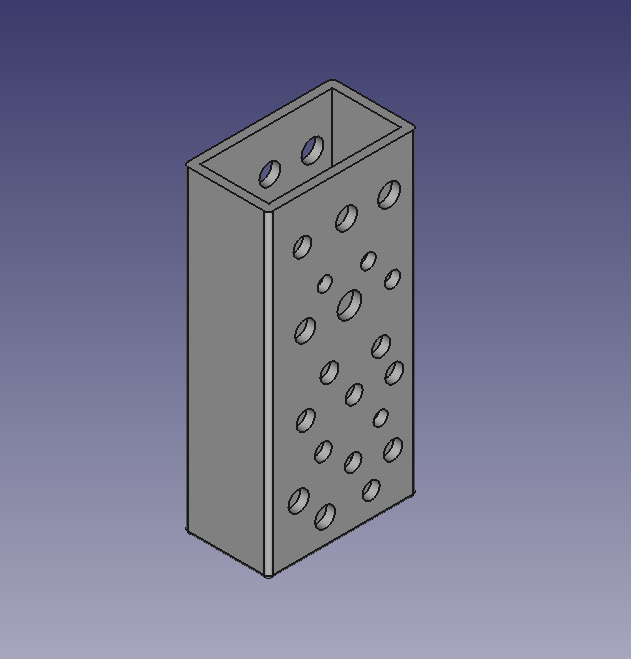
The box
Without the lid.
The random holes allow stable pressure stabilization.
It has been designed to the smallest size possible, while fitting all of the components inside.
////////
THE PLAN
1st
The plan is to skydive with the box in my pocket and make pressure measurements.
I'll export the data and analyze it in excel sheet.

2nd
If the data is correct, I'll add a buzzer that'll be able to inform the skydiver of ones altitude.

3rd
If both versions pass the test, the screen will be added, that'll display the altitude.
/////////
 DOMEN SNUDERL